


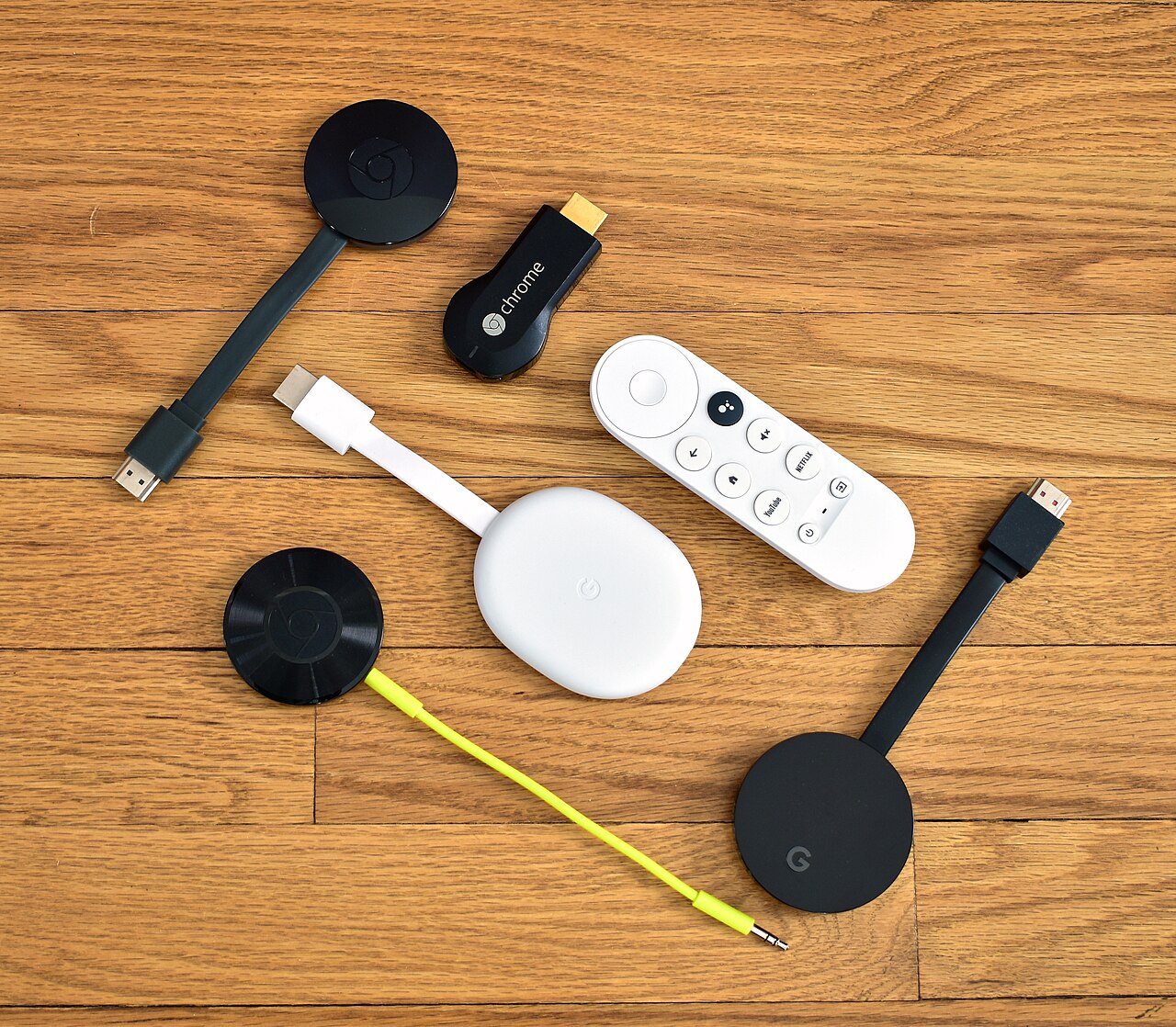
The Chromecast security update is here, bringing crucial improvements for users. This update ensures your device remains secure and performs optimally.
Overview of the Chromecast security update
The recent Chromecast security update marks a significant milestone for the device, particularly for the Chromecast with Google TV HD. This update is designed to fortify the device against potential vulnerabilities and enhance user privacy.
Among the key improvements included in this update are:
- System stability: Enhancements that ensure smoother performance and reduce the likelihood of crashes.
- Data protection: Upgraded encryption methods that safeguard user data during streaming activities.
- Bug fixes: Addressing known issues that could compromise security or functionality.
As the year progresses, users can expect ongoing support and periodic updates to maintain the integrity of their Chromecast devices, reinforcing the importance of staying current with security updates.
Key improvements in this update
The latest Chromecast security update has introduced several key improvements aimed at enhancing user safety and device performance. Users can expect the following enhancements:
- Increased data encryption: The update implements advanced encryption protocols, ensuring that user data is more secure against potential breaches.
- Vulnerability patching: Several vulnerabilities identified in previous versions have been addressed, significantly reducing the risk of exploitation.
- Improved authentication methods: Enhanced authentication processes provide an extra layer of security when accessing apps and services.
- Regular firmware updates: The Chromecast will now receive more frequent updates, ensuring that users benefit from the latest security features and improvements.
These enhancements are part of the ongoing commitment to ensure that Chromecast devices remain safe and reliable for all users.
How to install the Chromecast security update
Installing the latest Chromecast security update is a straightforward process that ensures your device remains protected against vulnerabilities. Follow these simple steps to get started:
- Connect your Chromecast: Ensure your Chromecast is plugged into your TV and powered on.
- Access Settings: Use your remote to navigate to the Settings menu on your Chromecast with Google TV.
- Check for Updates: Scroll down to “System” and select “About.” Then, choose “System update” to check for available updates.
- Install Update: If a Chromecast security update is available, follow the prompts to download and install it.
- Restart: After installation, restart your device to apply the changes.
Keeping your Chromecast updated is crucial for optimal performance and security.
User feedback on the latest changes
User feedback on the latest changes has been largely positive, highlighting the effectiveness of the Chromecast security update. Many users have reported an enhanced experience, especially regarding performance and stability.
Some key points from user reviews include:
- Improved Streaming Quality: Viewers have noticed smoother playback and reduced buffering times.
- Enhanced Security Features: Users appreciate the additional layers of protection against potential threats.
- User-Friendly Interface: The update has made navigating through apps and settings more intuitive.
Overall, the Chromecast security update has addressed many concerns, leading to a more reliable device. Users are optimistic about future updates, anticipating continued improvements in both security and functionality.
Future updates for Chromecast
As technology evolves, so does the need for enhanced security measures. Future updates for Chromecast are expected to further bolster device protection and ensure user privacy. Google has committed to providing regular security updates, which will address vulnerabilities and improve overall system integrity.
Upcoming features may include:
- Enhanced encryption: To safeguard user data against potential threats.
- Improved authentication: To ensure that only authorized devices can connect.
- User-friendly notifications: To keep users informed about security status and updates.
With the recent Chromecast security update setting a positive precedent, users can expect these future enhancements to maintain a secure streaming experience while enjoying their favorite content.
Comparing Chromecast with other devices
When comparing Chromecast with other streaming devices, it’s essential to consider the recent Chromecast security update that enhances overall user safety. Unlike some competitors, Chromecast prioritizes regular security enhancements, ensuring that users enjoy a secure streaming experience.
Many popular devices, such as Amazon Fire TV and Roku, also incorporate security features; however, Chromecast’s commitment to timely updates sets it apart.
- Chromecast: Known for frequent security updates and a straightforward user interface.
- Amazon Fire TV: Offers robust features but has experienced delays in updates.
- Roku: Focuses on content variety, with updates less frequently addressing security.
The latest Chromecast security update is a testament to Google’s dedication to maintaining a secure streaming environment for its users, reinforcing its position in the competitive market.
via Wikimedia Commons